- SolutionsThe highest level of securitySecure and sovereign collaboration
- Prices
- Customers & Partners
- ResourcesResources
- SecNumCloud
Solutions
Customers & Partners
Resources
Collaborative Space
The collaborative workspace designed for your sensitive projects
Share, edit, and manage your sensitive content within collaborative spaces designed to ensure the confidentiality of your data. Take advantage of advanced access rights management and 100% French-based secure hosting
Collaborate with confidence on your sensitive files
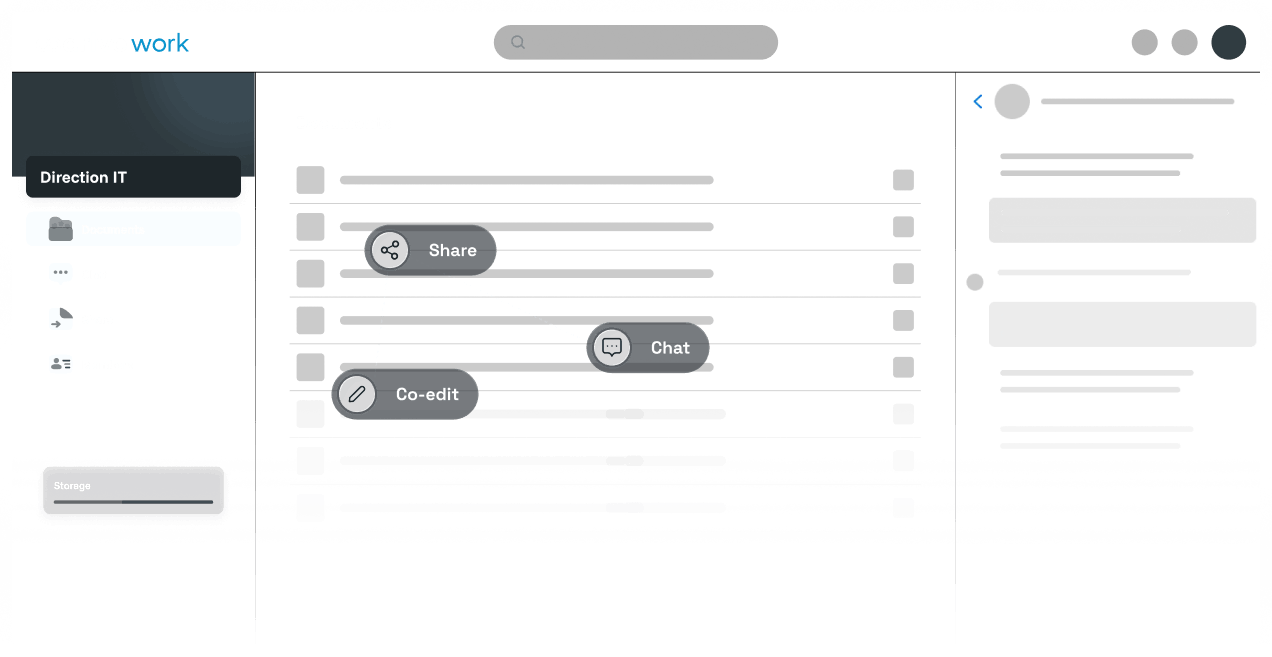
Online collaborative spaces simplify communication by allowing internal and external users working on a shared project to share resources and discussions within a single secure space.
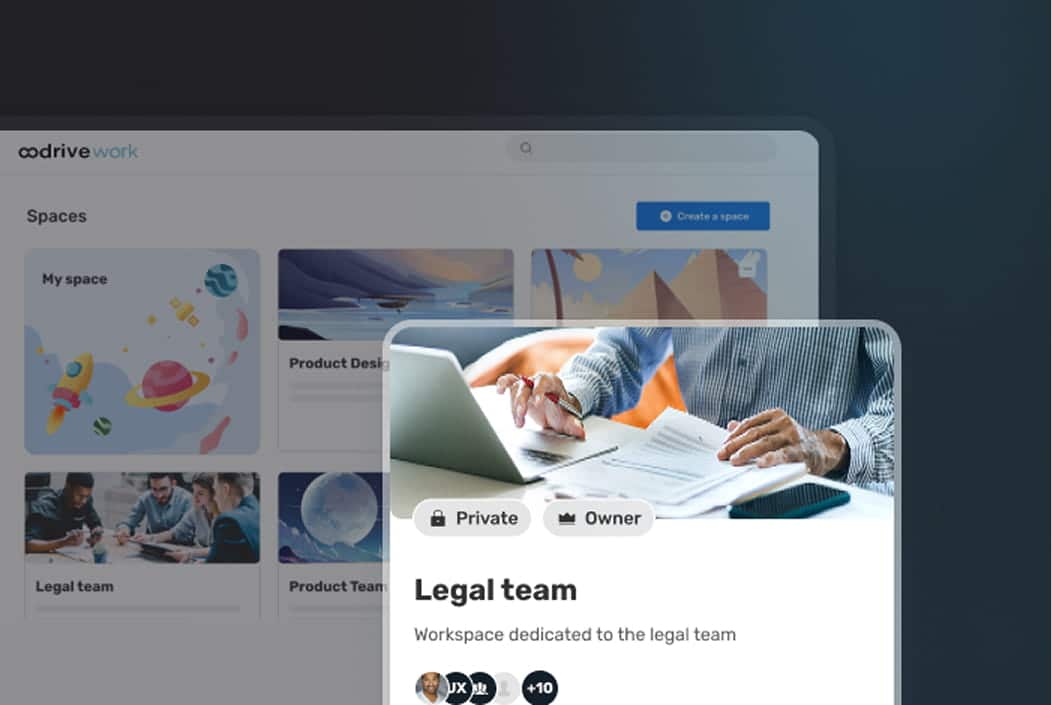
- Centralize, organize, and manage team resources within public or private collaborative spaces
- Edit, download, and share your work files within an intuitive interface
- Chat in real time with members of a collaborative workspace
- Accelerate decision-making by creating document approval workflows via Oodrive Sign
Secure access to files through granular rights management
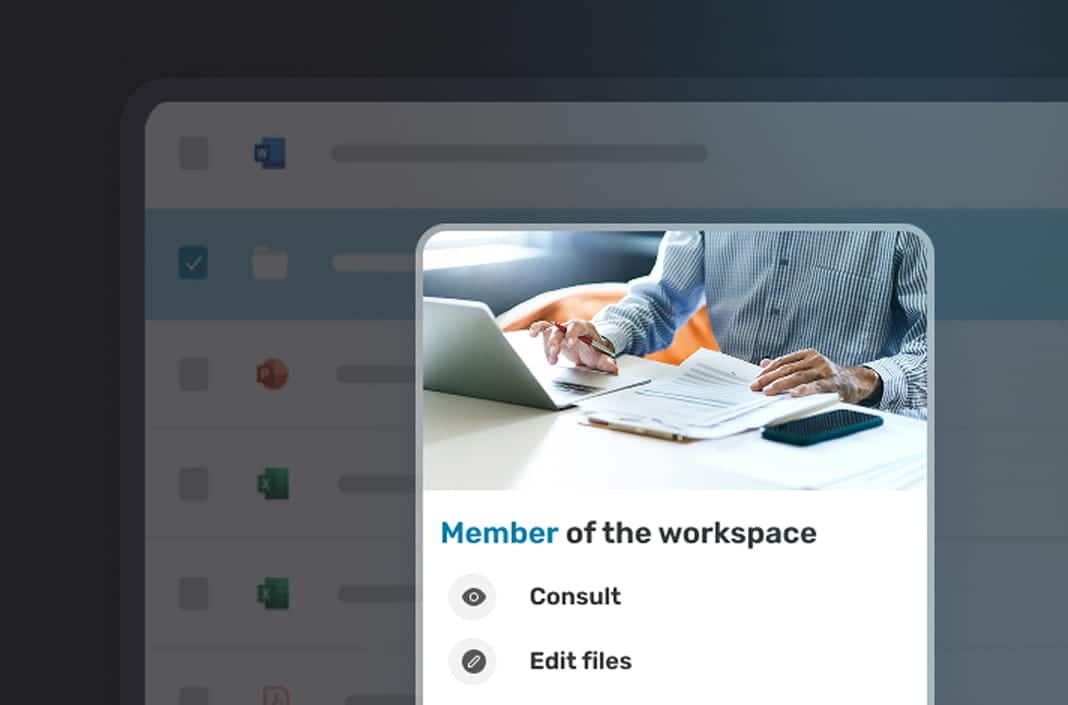
- Define user roles and permissions based on file sensitivity: download, view, full edit, etc.
- Create public spaces visible to everyone, with open access or access granted by owners
- Prioritize the creation of private collaborative spaces, visible only to authorized members, for your most sensitive projects
- Stay informed about actions taken by members of a space by scheduling activity reports
Collaborate more easily, more quickly, and more intelligently
Our collaborative workspaces combine simplicity, flexibility, and efficiency. Optimized member management, shared responsibilities, and instant messaging ensure seamless, intuitive, and secure collaboration, leading to more productive and self-reliant teams.
Share workspace management with multiple owners
Simple management of members, their roles, and access rights
Access to spaces via open access, on-demand, or private invitation
Instant messaging shared across the entire platform or per collaborative space
« We supply jets for both commercial and defense applications, so we need a secure system for sharing confidential information with our subsidiaries. Oodrive is that system. »
« Through its Oodrive Work solution, Oodrive is currently partnering with DIRISI to provide our troops and personnel with effective digital services, enabling them to work remotely in the most flexible, secure, and straightforward way possible. »
« Oodrive Work is a French solution that provides us with a secure collaborative space for storing and sharing our files online. »
Key Features
Discover the main features of Oodrive Work, the sovereign and secure collaborative platform.
Co-editing
Oodrive Work integrates Collabora Online, OnlyOffice, and Microsoft 365 to enable secure online editing and co-editing of documents.
Secure sharing
Share your files via email, a secure link, or a collaborative workspace, and choose the access level: upload, view, download, or co-editing.
Hosting and storage
Host your sensitive data in France and store your information on a public cloud infrastructure or a SecNumCloud-certified private cloud.
Collaborative space
Centralize, organize, and manage team resources within private or public spaces, with open access or by authorization.
Chat
Chat in real time with your colleagues, mention them, and share links via private messaging or messaging associated with collaborative spaces.
Electronic signature
Have your documents signed with a legally binding electronic signature that complies with eIDAS and maintain an audit trail.
FAQ
Learn more about collaborative workspaces and data security in our FAQ.
What is a Collaborative Workspace?
A collaborative workspace is an online environment that enables teams to work together in real time. It centralizes resources, communication, and document sharing, enhancing productivity, teamwork, and organization within a team or project.
What are the Benefits of a Collaborative Workspace?
A collaborative workspace boosts productivity by centralizing communication, document sharing, and discussions among team members. It facilitates real-time collaboration, supports remote work, and improves organization with features like co-editing, file sharing, and instant messaging.
How to Create a Collaborative Workspace on Oodrive Work?
With just one click, you can create a collaborative workspace!
- Set your workspace’s visibility: Private, Public (open to all), or Public (open upon request).
- Add internal or external members who need access.
- Configure user permissions based on their roles.
- Customize settings to optimize collaboration and productivity.
How to Manage Member Permissions in a Team Workspace?
Managing members in a team workspace is easy with predefined roles: Guest, Member, or Owner. You can easily assign these roles and define each collaborator’s level of access to ensure controlled and secure resource sharing.
Can Team Members Access Workspaces on Oodrive Work?
Oodrive Work allows team members to access collaborative workspaces based on their needs:
- They can join a public workspace with open access.
- They can request access to join a specific project.
- For sensitive projects, private workspaces can be created, accessible by invitation only.
Collaboration starts with trust
Contact our team to learn more about the solution.